Admin Bar is Not Displayed

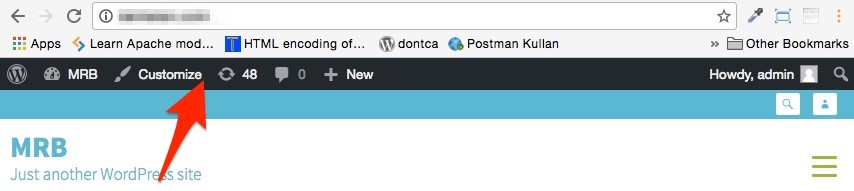
If you cannot see the admin bar on the front-end after enable WP Fastest Cache, you should enable the Logged-in Users option.


If you cannot see the admin bar on the front-end after enable WP Fastest Cache, you should enable the Logged-in Users option.
Follow the link: http://www.wpfastestcache.com/tutorial/to-clear-cache-after-update/
Revolution Slider Error: You have some jquery.js library include that comes after the revolution files js include. This includes make…
You can enable Leverage Browser Caching via the settings page of WP Fastest Cache for Apache servers but You cannot…
Purchase your first license and see why 1,500,000+ websites globally around the world trust us.