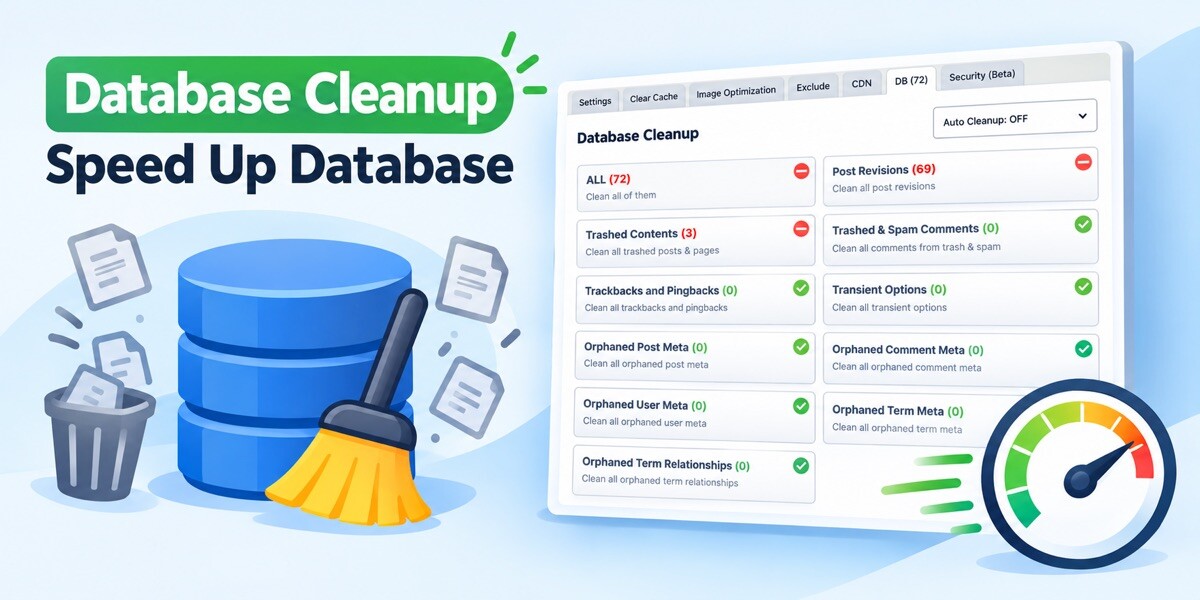
Database Cleanup – Speed Up Database

The Database Cleanup tool helps keep your WordPress database organized, lightweight, and efficient. Over time, WordPress sites accumulate unnecessary data such as post revisions, trashed posts, spam comments, transient options, orphaned metadata, and unused database tables. Although this data may not always be visible to visitors, it can increase database size and affect site performance.
With Database Cleanup, users can quickly identify and remove this unnecessary data from one place. The tool provides a simple and efficient way to optimize database tables without requiring technical database knowledge.
Regular cleanup can deliver several benefits:
– Reduces database size
– Improves query performance
– Helps speed up WordPress administration pages
– Removes outdated and unused content
– Keeps the site database healthier over time
What Does the Database Cleanup Tool Remove?
Database Cleanup tool can remove the following unnecessary database records:
- Post revisions
- Auto-draft posts
- Trashed posts and pages
- Spam comments
- Trashed comments
- Pending comments
- Expired transients
- All transients
- Orphaned post metadata
- Orphaned comment metadata
- Orphaned user metadata
- Orphaned term metadata
- Unused tags and categories
- Pingbacks and trackbacks
- Database table overhead
By cleaning these items regularly, the database remains smaller, more organized, and more efficient.
Automatic Cleanup
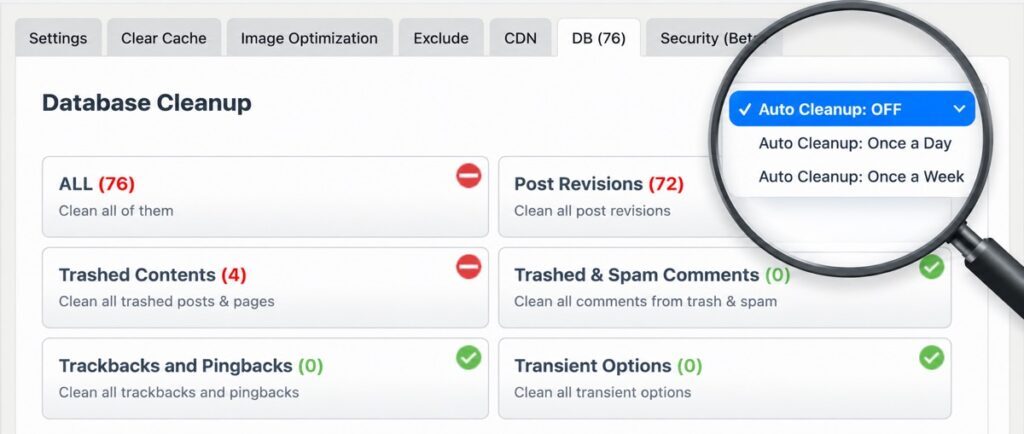
Automatic Cleanup is a feature that can make your job a lot easier.
In order not to complicate this feature even more, we found it convenient to add only two options which are Once a Day and Once a Week. We recommend clearing once a week rather than every day.
In both cases, the first action takes place at 5 am the next day.
Note: The Automatic Cleanup feature works with WP Schedule which works when someone visits your WordPress site.
Polylang Database Cleanup Issue
If you are using the Polylang plugin, you may encounter an issue after performing a database cleanup. On websites where Polylang is installed, the language relationships between categories can be removed during the cleanup process. As a result, category translations become disconnected, and various multilingual elements on the website may stop working or disappear.
This issue is caused by database optimization tools that remove entries they consider unnecessary. Specifically, cleaning up Orphaned Term Relationship and Orphaned Term Meta records can delete data that Polylang relies on to maintain language associations between taxonomy terms.
Solution
To prevent this problem, make sure the following cleanup options are disabled before running a database cleanup:
- Orphaned Term Relationship
- Orphaned Term Meta
Leaving these options unchecked preserves the taxonomy relationships and metadata that Polylang uses to connect translated categories. After disabling these cleanup options, you can safely optimize your database without breaking category-language associations.
