
WP Fastest Cache Cloudflare

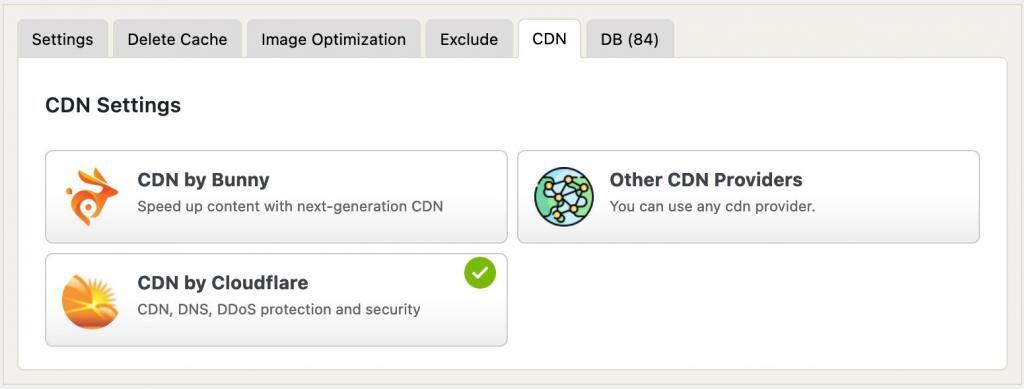
WP Fastest Cache is totally compatible with Cloudflare. In order to minimize potential conflicts, you need to Cloudflare cdn integration.
This integration has two important goals. Firstly, this integration prevents incompatibilities that may occur between Cloudflare and WP Fastest Cache by changing some settings of Cloudflare. Secondly, purging cache of Cloudflare cache as well when the cache is cleared via WP Fastest Cache.
How to Find the API Token
1. Go to Account API tokens page
2. Click on the “Create Token” button

3. Click on the “Custom” link
4. Choose the “WordPress” as template
4. Click on the “Review Token” button
5. Click on the “Create Token” button
6. Copy the API Token
How to Disable Cloudflare Hotlink Protection
If you want to use WP Fastest Cache’s Image Optimization feature, Cloudflare’s Hotlink Protection needs to be disabled. Hotlink Protection can prevent WP Fastest Cache’s image optimization service from accessing your website’s images. In this guide, we’ll show you how to disable Cloudflare Hotlink Protection so you can use the Image Optimization feature without any issues.
Steps
1. Log in to your Cloudflare Dashboard.
2. Select your domain.
3. Go to Security → Settings.
4. Find the Client-side abuse section.
5. Find Hotlink Protection.
6. Set it to Off.