
Best AI Chatbot Plugins for WordPress

Looking for the best AI chatbot plugin for WordPress? Many site owners want a WordPress chatbot that runs natively, without third-party platforms or monthly subscriptions. Whether you need an AI chatbot for WooCommerce, a lead generation bot, or want to add ChatGPT to WordPress, these native WordPress chatbot plugins deliver smart automation without recurring fees.
Why Choose Native WordPress Chatbots?
What separates native WordPress chatbots from SaaS alternatives:
- Data stays on your server rather than external processing
- One-time payment options instead of monthly subscriptions
- Direct database access for deeper WooCommerce and custom post type integration
- No external dependencies means uptime even when third-party services fail
- Full customization via WordPress hooks and filters
1. AI Chat & Search Pro
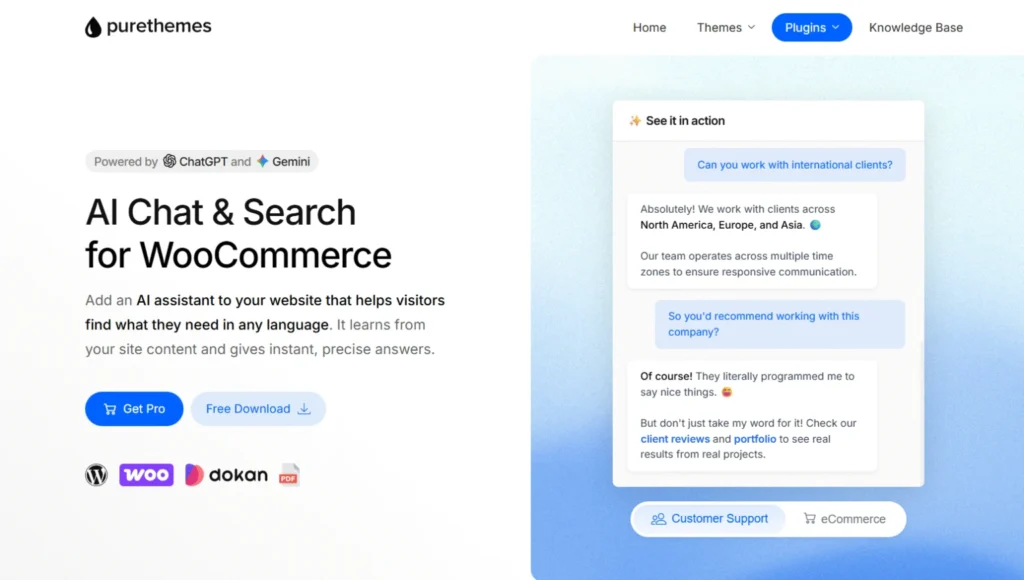
Price: $49 one-time (free version available)
Best for: WooCommerce stores, directory sites, content-heavy WordPress sites
Unlike most chatbot plugins, AI Chat & Search Pro uses semantic search powered by OpenAI or Gemini to understand visitor questions and pull answers from your WordPress content.
Key features:
- Full WooCommerce integration with product cards, price filtering, stock checks
- Semantic product search based on meaning, not just keywords
- Unlimited conversations with no volume caps
- Custom instructions to match your brand voice
- Automatic multilingual support
- All data stays in your MySQL database
Real costs:
The plugin costs $49 once. You add your own API key and pay OpenAI directly:
- ~5,000 messages with GPT-5.1: approximately $5
- ~10,000 messages with GPT-5.1 Mini: approximately $5
Compare that to $29-$99/month for subscription chatbots, and the savings add up fast.
Good fit for: E-commerce stores, directory sites, service businesses automating FAQs, anyone avoiding monthly fees.
2. WBot
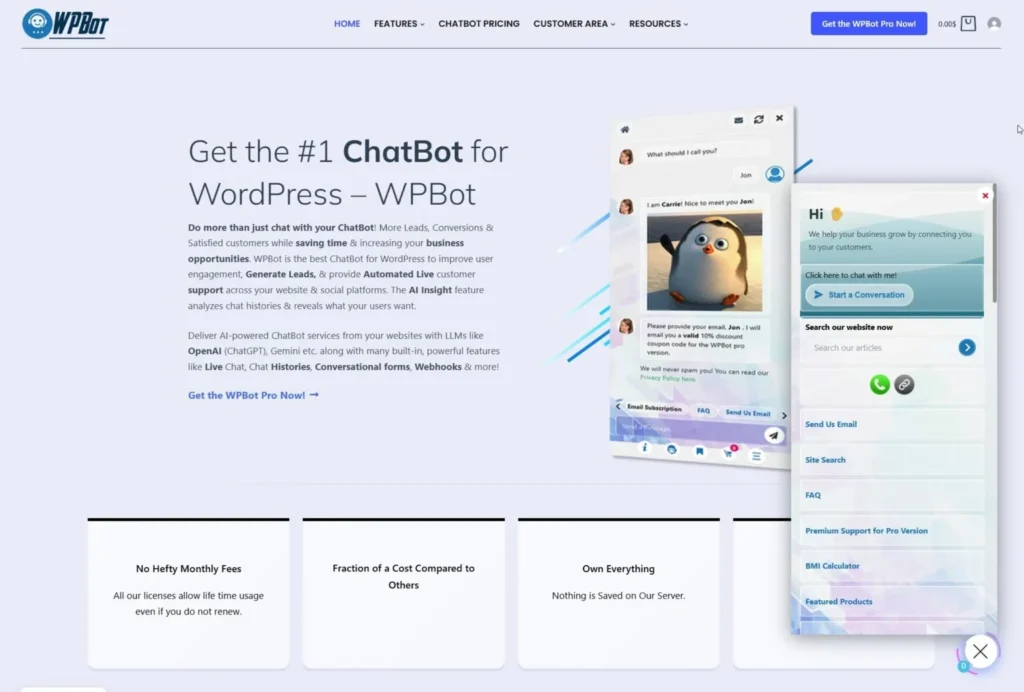
Price: Free version available, Pro $49-$99/year
Best for: Budget-conscious site owners, agencies needing white-label
WPBot has been around for years with a solid reputation. Everything runs from your WordPress dashboard. You can optionally connect OpenAI, DialogFlow, or OpenRouter for AI responses.
Key features:
- Works without AI services for basic Q&A and button-driven conversations
- Multiple AI backends: OpenAI ChatGPT, Google DialogFlow, OpenRouter
- Conversational forms addon for lead generation
- Multi-channel: Messenger, Instagram, WhatsApp, Telegram (Pro)
- White-label option with Master license
- RTL and multilingual support
Limitations: Advanced AI features require Pro. Interface feels dated but functionality is solid.
Good fit for: Testing chatbots without investment, simple Q&A sites, agencies needing white-label.
3. AI Engine
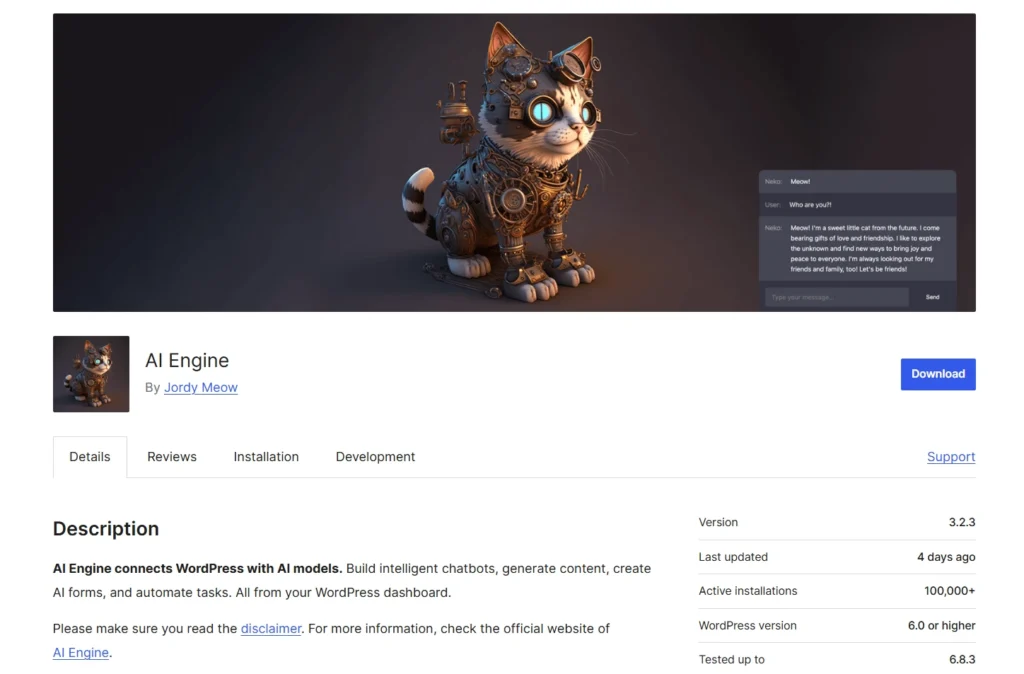
Price: Free with premium add-ons
Best for: Content creators wanting AI writing tools plus chatbot
AI Engine isn’t just a chatbot. It’s a complete AI toolkit bundling content generation, image creation, translation, and chatbot features.
Key features:
- Multiple providers: OpenAI, Anthropic Claude, Google Gemini
- Content generation in the WordPress editor
- Image generation via DALL-E
- Embeddings and vector search for training on your content
- Chatbot with conversation memory and customizable themes
- Usage statistics and logging
Tradeoff: It does a lot (writing, images, SEO, chatbots), which can feel overwhelming if you only need chat. The chatbot is solid but not as specialized as dedicated solutions.
Good fit for: Bloggers and content creators who want multiple AI tools bundled together.
4. Botstra
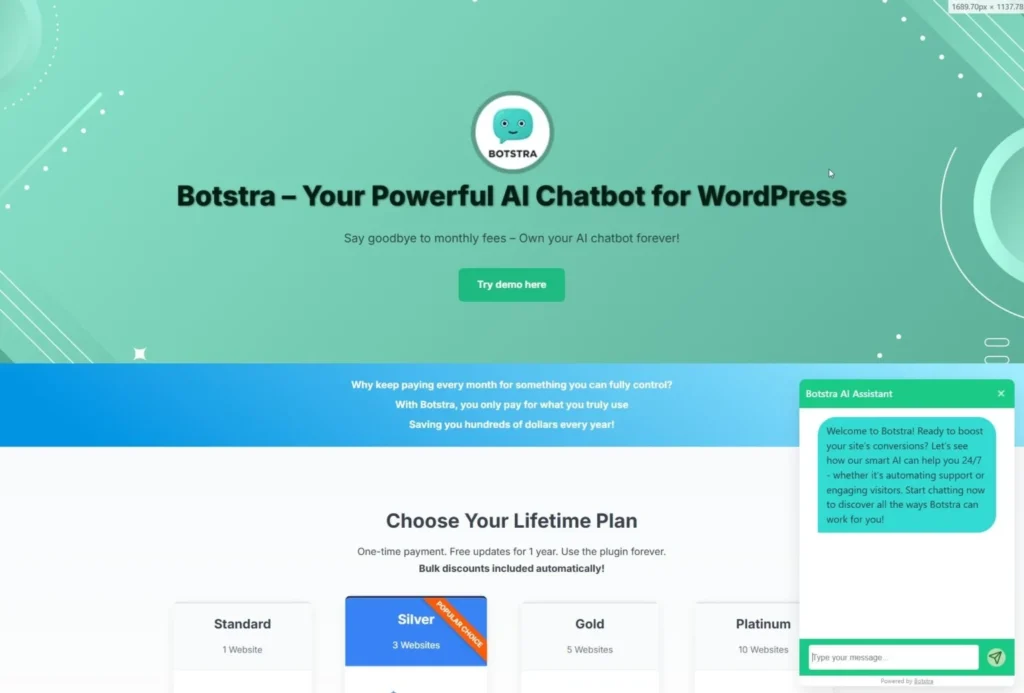
Price: One-time payment (free version available)
Best for: Sites wanting RAG-based chatbots without subscriptions
Botstra is newer, positioning itself as a one-time payment alternative to SaaS chatbots. It focuses on document search using RAG (Retrieval-Augmented Generation).
Key features:
- RAG-powered responses that search your documents before answering
- Multi-bot support for different purposes on one site
- Custom themes to match your brand
- Chat history for reviewing conversations
- One-time purchase with free updates for one year
Current status: Still building its feature set. Core functionality works well but may lack some advanced integrations.
Good fit for: Early adopters avoiding subscriptions, those supporting newer WordPress-native solutions.
Comparison Table
| Feature | AI Chat & Search Pro | WPBot | AI Engine | Botstra |
| Pricing Model | $49 one-time | Free / $49-99/year | Free + addons | One-time |
| AI Providers | OpenAI, Gemini | OpenAI, DialogFlow, OpenRouter | OpenAI, Claude, Gemini | OpenAI |
| WooCommerce Integration | Full (product cards, filtering) | Basic | Limited | Basic |
| Semantic/RAG Search | Yes | With Pro | Yes | Yes |
| Custom Training | Yes | Yes (Pro) | Yes | Yes |
| Multilingual | Automatic | Yes | Yes | Yes |
| Free Version | Yes | Yes | Yes | Yes |
| Data Storage | Your server | Your server | Your server | Your server |
| Content Generation | No | No | Yes | No |
| White Label | Pro | Master license | No | No |
How to Choose
AI Chat & Search Pro if you run WooCommerce or content-heavy sites and want strong features with one-time pricing.
WPBot if budget is tight or you need multi-channel support (Messenger, WhatsApp, Telegram). Free version is genuinely useful.
AI Engine if you want content generation alongside chatbot. Good for bloggers wanting bundled AI tools.
Botstra if you want straightforward RAG-based chat without subscriptions and don’t mind a newer solution.
FAQ
Do I need coding skills?
No. All four install in a few clicks. Most offer visual configuration or automatic training from existing content.
Will a chatbot slow my site?
Good plugins load assets only when needed. Test with Google PageSpeed Insights after installation.
Can chatbots replace human support?
They typically handle 60-80% of repetitive questions (“what are your hours?”, “where’s my order?”), freeing your team for complex issues.
What about GDPR?
Native plugins keep data on your server. Check each plugin’s docs and configure cookie consent as needed.
How do API costs work?
Plugins like AI Chat & Search Pro, AI Engine, and Botstra use your own API keys. You pay OpenAI directly. Typical costs: $5-10 per 5,000-10,000 messages.
Can I run multiple chatbots?
Some support this natively (Botstra’s multi-bot feature). Others need separate instances.
Bottom Line
All four keep data on your server and avoid monthly subscription lock-in.
For WooCommerce and content sites, AI Chat & Search Pro offers strong value with semantic search and one-time pricing. On a tight budget, WPBot’s free version is a solid start. Content creators might prefer AI Engine’s all-in-one approach. And Botstra provides capable RAG-based chat for those supporting newer solutions.
The right choice depends on your needs, but any of these adds useful AI chat without SaaS overhead.
