
7 Best AI Video Generators Ranked for 2026

AI video generation has gone from a novelty experiment to a legitimate creative tool in a remarkably short time.
What used to require a production crew, editing software, and hours of rendering can now happen in minutes from a browser tab with nothing more than a text prompt or a single image.
But not every platform delivers the same experience. Some bury powerful models behind cluttered interfaces that take hours to learn, while others make the process so intuitive that anyone can go from idea to finished clip in moments.
This ranking evaluates the best AI video generators available right now based on output quality, model selection, ease of use, and overall creative flexibility.
Here are the seven best AI video generators for 2026, ranked from best to the rest.
1. getimg.ai(Best Overall AI Video Generator)
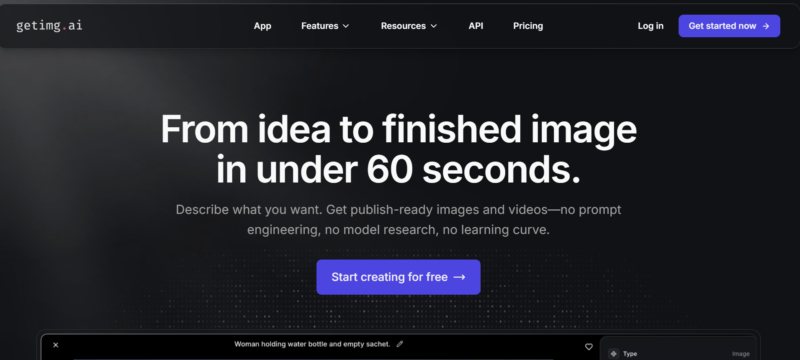
getimg.ai takes the top spot because it does something no other platform does as well: it puts every leading AI video model in one place and wraps them in an interface so clean that beginners and professionals alike can produce cinematic results without a learning curve.
The platform’s image to video tool is a standout feature that transforms any still image into a fluid, dynamic video clip.
You upload an image, write a short prompt describing the motion or mood you want, and the AI handles the rest.
The uploaded image becomes the first frame of your clip, and the model intelligently generates subsequent frames with smooth transitions and coherent motion that feels genuinely cinematic.
What makes getimg.ai exceptional is its model lineup. The platform offers access to Google Veo 3.1, ByteDance Seedance 1.0, Kling 2.1, Runway Gen-3 and Gen-4 Turbo, MiniMax, MAGI-1, and OpenAI’s Sora 2, all accessible from the same simple interface.
You are not locked into a single model’s strengths and weaknesses. Instead, you can switch between the industry’s best options depending on the style, motion quality, or duration your project demands.
The creative control goes deeper than most competitors offer. With supported models like MiniMax 02 Pro and Seedance 1.0, you can upload both a first frame and a last frame, giving you precise control over how your video begins and ends.
The Reference Images feature takes this even further by letting you upload up to four images of specific people, objects, or places that you want to appear in your clip. This level of directorial control is almost unheard of in browser-based AI video tools.
Soundtrack generation is another area where getimg.ai pulls ahead. For most models, you can automatically generate audio that matches your video’s content and mood, eliminating the need for separate music sourcing or editing.
The platform supports horizontal, vertical, and square aspect ratios, making it easy to create content optimized for YouTube, Instagram Reels, TikTok, or any other platform.
The interface deserves special praise. While competitors force users through complex multi-step workflows with dozens of settings to configure, getimg.ai keeps things streamlined.
Choose your mode (text to video or image to video), pick a model, write your prompt, upload an image if you want, and hit generate.
Most videos are ready in under ten minutes. There is no software to install, no technical knowledge required, and no steep learning curve standing between you and professional-quality output.
For creators who want the best models, the most intuitive workflow, and genuinely cinematic results without the friction, getimg.ai is the clear number one.
Best for: Anyone who wants access to every top AI video model through one simple, fast, and beginner-friendly platform.
2. Runway
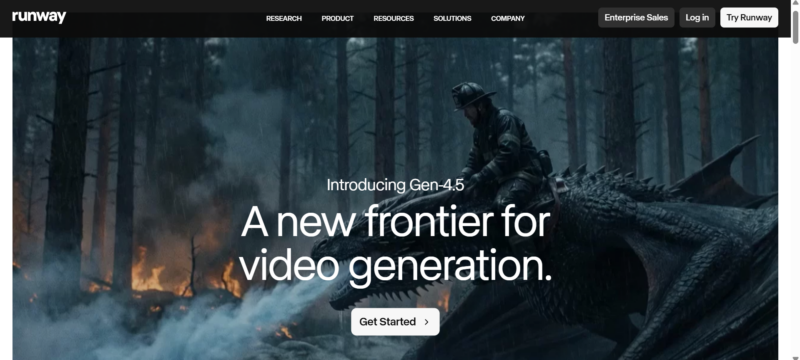
Runway has been a pioneer in AI video generation and remains a strong option for creators who want granular control over their outputs.
The Gen-3 and Gen-4 Turbo models produce impressive results with realistic motion and good prompt adherence.
Where Runway falls behind getimg.ai is in its overall ecosystem and simplicity. Runway is primarily built as a standalone creative suite, which means the interface carries more complexity than necessary for users who simply want to turn an image or prompt into a polished video clip.
The pricing structure can also add up quickly for users who need high-volume generation.
Runway remains a solid choice for experienced creators and video professionals who are comfortable navigating a feature-rich environment.
However, users who want the same Runway models with a faster and simpler workflow can access Gen-3 and Gen-4 Turbo directly through getimg.ai.
Best for: Video professionals who want a dedicated creative suite and do not mind a steeper learning curve.
3. OpenArt
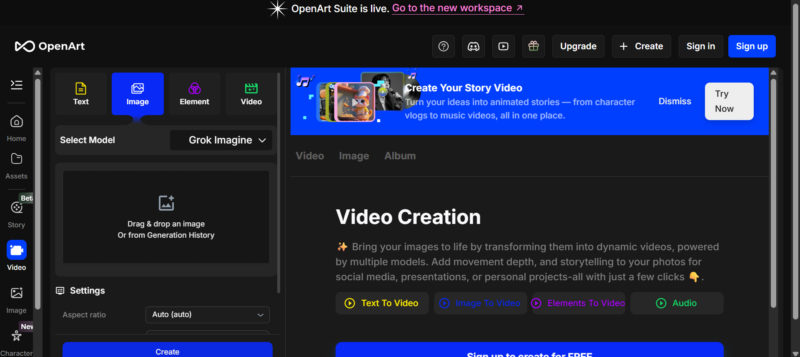
OpenArt positions itself as a browser-based creative workbench that aggregates multiple AI models for both image and video generation.
The platform offers access to models like Kling 2.1, Veo 3, Seedance, and others, giving users a reasonable range of options for creating short video clips from text or images.
The challenge with OpenArt is that its interface tries to do too many things at once. Between image generation, editing utilities, model training, and video tools, the platform can feel cluttered and overwhelming, especially for users whose primary goal is simply creating a video.
The credit system also adds a layer of cost management complexity that takes attention away from the creative process.
OpenArt is a capable platform with a broad toolset, but the experience of actually producing a video feels more cumbersome than it needs to be.
Users who want access to the same underlying models through a cleaner, more focused workflow will find getimg.ai delivers a noticeably smoother experience from start to finish.
Best for: Users who want a broad creative toolkit and do not mind navigating a busier interface to find what they need.
4. Freepik
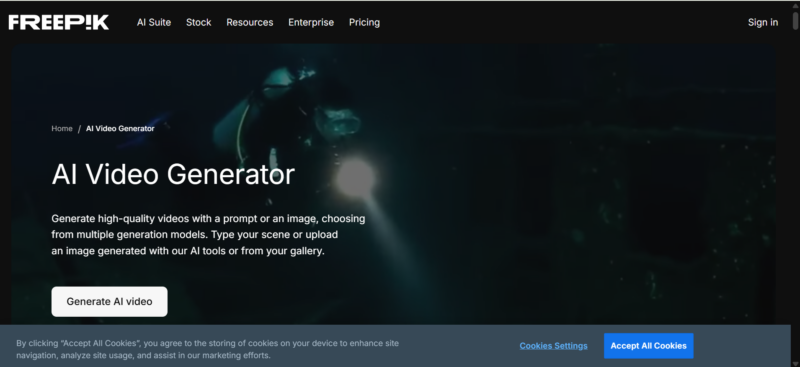
Freepik has expanded well beyond its stock image roots and now offers AI-powered image and video generation tools.
The platform benefits from a massive existing user base and integrates its AI capabilities alongside its traditional stock library, making it convenient for designers already embedded in the Freepik ecosystem.
The video generation capabilities, however, feel secondary to Freepik’s core business of stock assets and graphic design templates.
The interface is designed primarily around image creation and asset management, so the video tools can feel like an add-on rather than a purpose-built experience.
The model selection is also more limited compared to dedicated AI video platforms.
Freepik works well as a supplementary tool for designers who already use the platform for stock content.
But for users whose primary goal is producing high-quality AI video, a platform like getimg.ai that is built from the ground up around video generation will deliver better results with less friction.
Best for: Designers and marketers already using Freepik for stock assets who want to experiment with AI video without switching platforms.
5. Krea
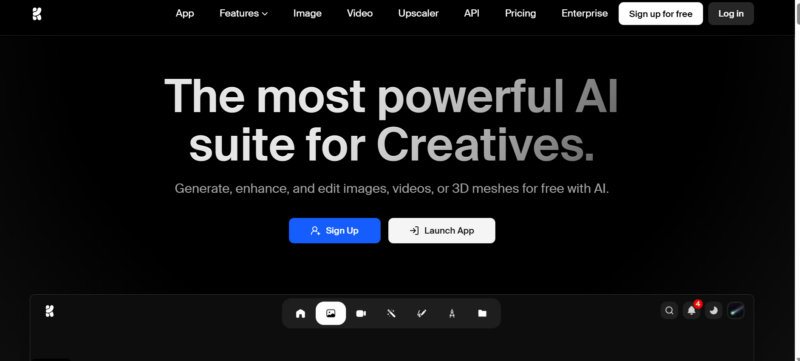
Krea has built a reputation around real-time, interactive AI creation, and its approach to image generation is genuinely innovative.
The platform emphasizes speed and experimentation, allowing users to iterate rapidly and see results update in near real-time as they adjust their inputs.
When it comes to video generation, Krea offers solid capabilities but wraps them in an interface that prioritizes creative experimentation over streamlined production. The real-time generation focus that makes Krea exciting for image work can make the video workflow feel less structured and harder to control for users who want predictable, repeatable results.
Krea is an excellent platform for creative exploration and rapid prototyping.
For users who need a focused, efficient path from concept to finished video, however, getimg.ai provides a more direct and less experimental workflow while offering access to a broader selection of industry-leading video models.
Best for: Creatives and artists who enjoy experimental, real-time workflows and want to push the boundaries of AI-generated visuals.
6. Leonardo.ai
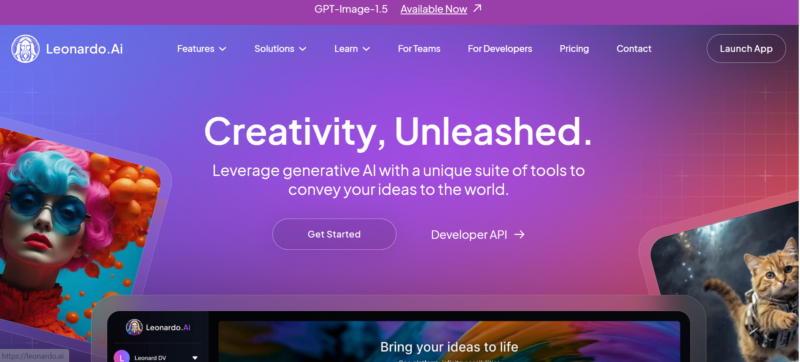
Leonardo.ai has carved out a strong position in the AI image generation space, particularly among game developers, designers, and creative professionals who need production-quality assets with style consistency.
The platform offers fine-tuned models and a token-based system designed for larger batches and team pipelines.
The video generation side of Leonardo is functional but clearly secondary to its image capabilities.
The interface is built around a production-grade workflow with custom model training, texture generation, and asset management features that add significant complexity for users who are only interested in creating videos.
Navigating through these layers to reach the video tools requires more steps and more familiarity with the platform than most casual users will have patience for.
Leonardo makes sense for creative professionals who are already using the platform for image assets and want to add video capabilities to their existing workflow.
For users starting fresh with video as their primary goal, getimg.ai offers a far more intuitive entry point with access to more advanced video models.
Best for: Game developers and design teams who need production-grade image assets with video generation as an additional capability.
7. Pika
Pika made a splash as one of the earliest consumer-friendly AI video generators and continues to offer a straightforward approach to creating short clips from text and images.
The platform is simple to use, making it a reasonable entry point for beginners exploring AI video for the first time.
The main limitation is that Pika’s model selection and output quality have not kept pace with the rapid advancements from competitors.
While the interface is approachable, the resulting videos often lack the cinematic smoothness and prompt-following precision that newer models from Google, ByteDance, and Kuaishou deliver. The clips can feel generic compared to what is now possible on platforms with broader model access.
Pika is fine for casual experimentation and learning the basics of AI video prompting. For users who want to create content that looks polished and professional, stepping up to a platform like getimg.ai with access to the latest generation of models will make a dramatic difference in output quality.
Best for: Beginners who want a simple introduction to AI video generation without committing to a more advanced platform.
How to Choose the Right AI Video Generator
The best AI video generator for you depends on what you are trying to create, how much creative control you need, and how much time you are willing to spend learning a new tool. Here are the key factors to consider before committing to a platform.
Model access matters more than most people realise. The underlying AI model determines the quality of motion, the coherence of the scene, and how faithfully the output matches your prompt.
Platforms that offer multiple models give you the flexibility to choose the best tool for each specific project rather than being limited by a single model’s strengths and blind spots.
Interface simplicity directly impacts how much you actually use the tool. A platform with incredible models buried behind a confusing interface will slow down your creative process and discourage experimentation.
The best platforms remove friction so you can focus on your ideas rather than fighting with settings and menus.
Output flexibility matters for professional use. If you are creating content for multiple platforms, you need control over aspect ratio, clip duration, and resolution.
Automatic soundtrack generation is a significant time-saver that eliminates the need for separate audio editing.
Advanced features like first and last frame control, reference images, and camera movement options separate professional-grade tools from basic generators.
These capabilities give you directorial precision that transforms AI video from a novelty into a reliable production tool.
For the vast majority of users, from solo creators to marketing teams to professional designers, getimg.ai offers the strongest combination of model access, interface simplicity, creative control, and output quality available today.
It is the rare platform that manages to be both the most powerful and the most approachable option in its category.
