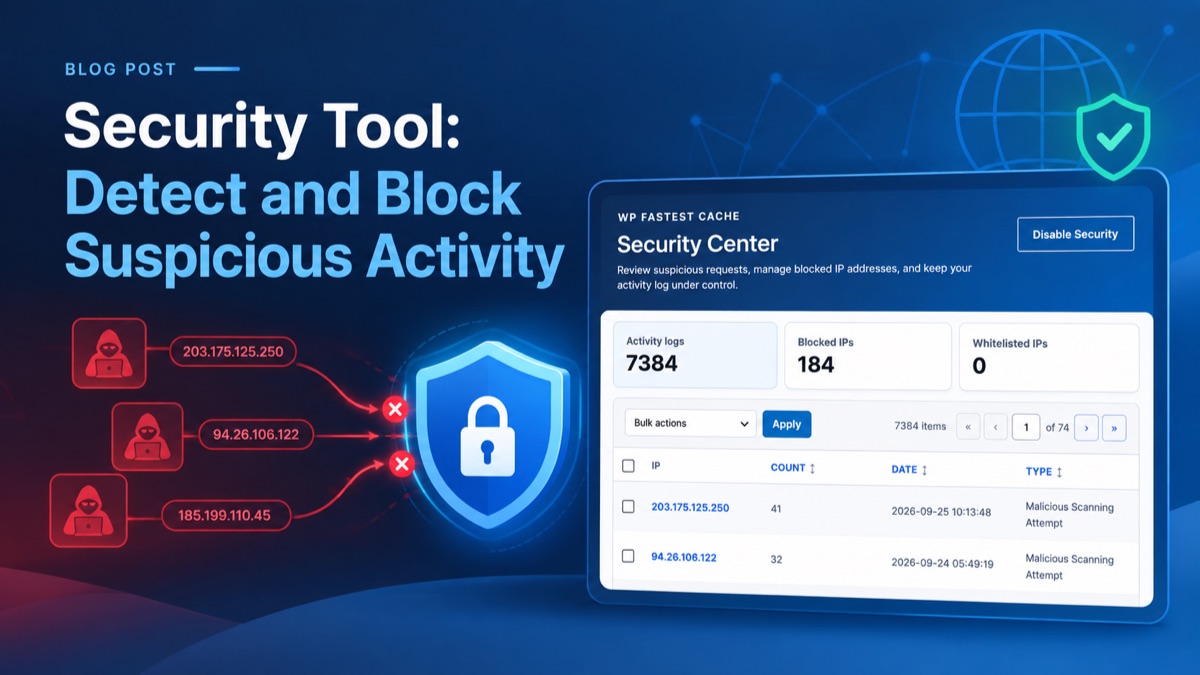
Security Tool: Detect and Block Suspicious Activity

A WordPress site can attract automated login attempts, suspicious scans, and requests probing for vulnerable files. The Security tool of WP Fastest Cache includes tools to record several of these patterns, manage IP addresses, and block repeat offenders.
Why Is This Tool Needed?
Attacks on a website can generate a large number of unwanted requests. Processing them uses server resources and can slow down the site, increasing server response time. By detecting and blocking suspicious activity, this tool helps reduce that load and keep the site responsive.
What Types of Attacks Does This Tool Help Prevent?
This tool monitors suspicious activity on your website and can automatically block IP addresses that exceed configured thresholds. It helps protect your site from the following types of attacks:
- Brute-force login attempts
- Repeated signup attempts
- Malicious scans for vulnerable or sensitive files
- Requests matching SQL injection patterns
- Requests matching remote code execution patterns
How Can You Enable the Security Beta Feature?
To display the Security feature while it is in beta, add the following filter to your active theme’s functions.php file:
add_filter('wpfc_show_security_beta', '__return_true');

