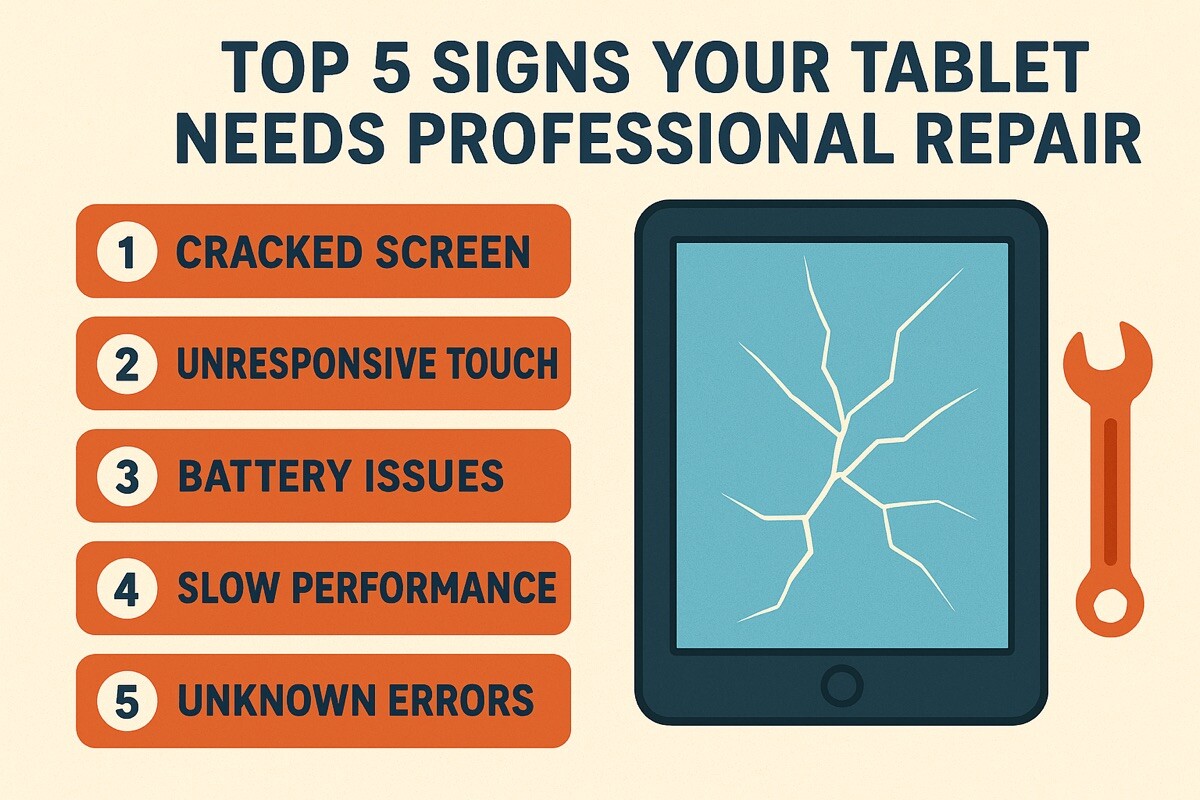
Top 5 Signs Your Tablet Needs Professional Repair

Introduction
Tablets have become indispensable tools for work, entertainment, and education. When your tablet starts to falter, it can disrupt your daily routine and cause significant frustration. While some minor issues can be fixed at home, many problems require the expertise of a professional. At Mobile Fix Experts, we frequently encounter tablets with various ailments. This guide will help you identify the top 5 signs that your tablet needs more than just a restart and is due for a professional repair.
The Importance of Timely Tablet Repair
Ignoring early signs of trouble with your tablet can often lead to more severe and costly problems down the line. A seemingly minor issue, like a slightly swollen battery, can escalate into a major safety hazard if left unaddressed. Timely professional repair not only saves you money in the long run by preventing further damage but also extends the lifespan of your device, ensuring it continues to serve you efficiently. Knowing when to seek help is key to maintaining your tablet’s performance and value.
Top 5 Signs Your Tablet Needs Professional Repair
Here are the most common indicators that your tablet requires expert attention:
1. Significant Battery Drainage or Swelling 🔋
- Rapid Draining: If your tablet’s battery dies quickly even with minimal use, or if the percentage drops dramatically, it’s a strong sign of battery degradation.
- Swollen Battery: A bulging back or screen lift on your tablet is a critical warning sign of a swollen battery. This is not only a functional issue but also a significant safety hazard, posing a risk of fire or explosion. Stop using the tablet immediately if you notice this.
2. Unresponsive or Cracked Screen 💥
- Unresponsive Touch: If parts of your screen no longer register touch, or if it registers touches inaccurately, it severely impacts usability. This could be a digitizer issue, often requiring screen replacement.
- Cracked or Shattered Glass: Even minor cracks can spread, compromise water resistance, and eventually lead to complete screen failure. Large cracks can also make the screen unsafe to touch.
3. Charging Port Malfunctions 🔌
- Intermittent Charging: Your tablet only charges at certain angles, or stops charging unexpectedly.
- Loose Port: The charging cable feels loose in the port, or you have to wiggle it to get a connection. This is often due to physical damage or debris and can lead to battery issues if not addressed.
4. Persistent Software Glitches and Crashes 💻
- Frequent App Crashes: Apps constantly freezing or closing without warning, even after updates or reinstallations.
- Random Restarts or Freezing: Your tablet randomly reboots itself, freezes for extended periods, or becomes completely unresponsive. While minor software bugs can often be fixed with a restart or factory reset, persistent issues might indicate deeper system corruption or hardware conflict.
5. Speaker or Microphone Issues 🔊
- No Sound or Distorted Audio: If you can’t hear anything from the speakers, or the sound is distorted, even after checking volume settings and headphones.
- Microphone Failure: Others can’t hear you during video calls or voice recordings are silent. These issues can stem from software problems, physical blockages (like dust), or damaged internal components.
Why Choose Professional Repair?
When facing these signs, professional repair offers several advantages over DIY attempts. Technicians at Mobile Fix Experts have the specialized tools, genuine parts, and expertise to accurately diagnose and safely fix complex tablet issues. Attempting intricate repairs yourself, especially those involving the battery or screen, can lead to further damage, void warranties, or even pose safety risks. A professional repair ensures your tablet is restored to optimal working condition, often with a warranty on parts and labor.
Conclusion & Final Thoughts
Your tablet is an investment, and recognizing these warning signs can help you protect that investment. Don’t let minor issues escalate into irreversible damage. If you’re experiencing any of these top 5 signs, it’s a clear indication that your tablet needs professional attention.
For trusted and efficient phone repair in New York, including comprehensive tablet diagnostics and repair services, visit Mobile Fix Experts. We’re here to get your device back in your hands and working perfectly.
FAQs
Q1: How long does a typical tablet repair take? A1: Repair times vary depending on the issue and part availability. Common repairs like screen or battery replacements can often be done within a few hours, while more complex issues might take longer.
Q2: Will a professional repair erase my data? A2: For most repairs (like screen or battery replacement), data is usually safe. However, it’s always best practice to back up your tablet before any repair to ensure no data loss.
Q3: Is it cheaper to buy a new tablet or repair an old one? A3: This depends on the extent of the damage and the cost of a new device. For many common issues, repair is significantly more cost-effective and environmentally friendly than buying a brand new tablet. For Iphone repair in New York and other tablet services, we can provide a cost-effective solution.
Q4: Can water damage be repaired? A4: Water damage is complex and can vary. Some cases are salvageable with professional cleaning and component replacement, while others may be beyond repair. If your tablet has water damage, bring it to a professional immediately. For any tablet-related repairs or diagnostics, visit us for phone repair in New York at our Google Maps Profile: Mobile Fix Experts Google Maps Profile.
Disclaimers
The information provided in this post is for educational purposes only and is not a substitute for professional diagnosis or repair. Always consult with a qualified technician for complex repairs, especially those involving batteries or internal components, to ensure safety and proper functionality.