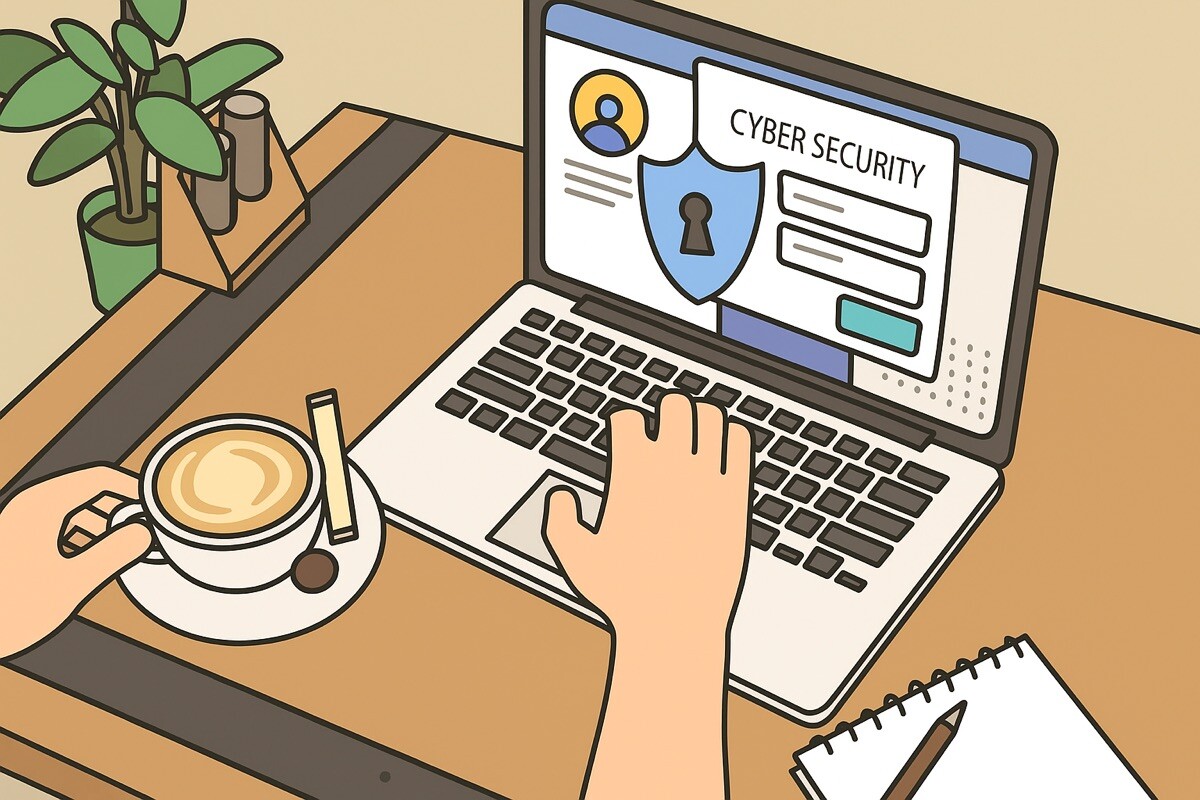
How to Protect Your Website and Personal Data Online

Personal data is one of the most valuable things you store and transmit online, and one of the most targeted. From login credentials to financial details, the information people interact with daily is constantly at risk of interception, theft, or misuse. Protecting it requires attention at multiple levels: the devices you use, the accounts you manage, and the habits you build around how you handle sensitive information.
Many people assume that strong passwords and avoiding suspicious links is enough. Those practices help, but the threat landscape has evolved. Phishing attacks are more convincing than ever. Malware spreads through legitimate-seeming downloads. Data breaches expose credentials that were thought to be secure. A layered approach is the only reliable defense.
Securing Your Accounts and Credentials
Every online account is a potential entry point. Using unique passwords for each one, rather than reusing passwords, means a single breach can compromise multiple accounts. A password manager makes this manageable by generating and storing strong credentials. Enable two-factor authentication wherever it’s supported, especially for email, banking, and any account linked to payment information.
Device Security as a Foundation
All the account-level security in the world is undermined if the device you’re using is compromised. Malware on your computer can capture keystrokes, access saved passwords, and intercept data before it’s encrypted. My Pc Guard breaks down digital security in a way that feels approachable. Whether you’re protecting a family computer, a remote work setup, or a small business, the site helps you find tools that keep your devices, data, and online activity safer.
Practical Habits That Make a Difference
Be cautious with email attachments and links, even from senders you recognize, as phishing attacks often impersonate trusted contacts. Keep your operating system and software updated, since patches frequently address security vulnerabilities. Use a VPN when connecting to public Wi-Fi, which is a common target for attacks that intercept data in transit.
Regularly review the permissions granted to apps on your phone and computer. Many apps request access to location, camera, microphone, and contacts that they don’t need to function. Reducing unnecessary permissions reduces your exposure. Security is never a finished project; it’s something you maintain over time as threats evolve and your online presence grows.
