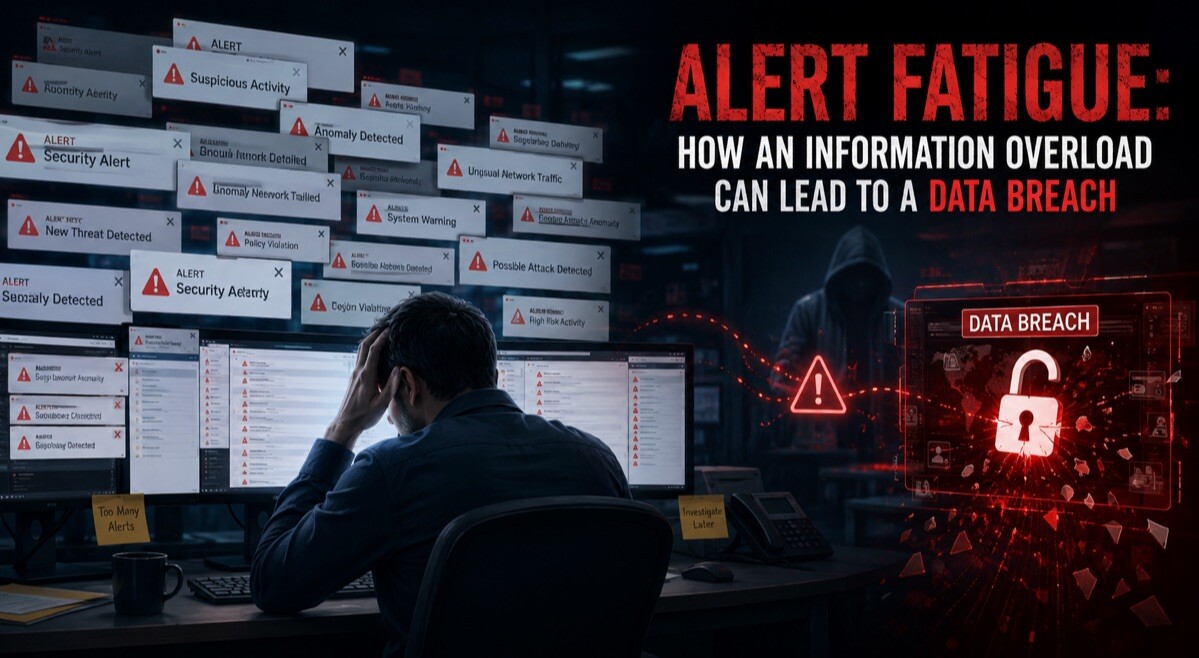
Alert Fatigue: How an Information Overload Can Lead to a Data Breach

The average smartphone user in the US receives 46 push notifications from apps daily.
Notifications from apps and services can be helpful, especially if they warn you of an urgent issue. However, notifications may quickly become overwhelming, and you might dismiss them without checking. If fatigue is making you ignore or deactivate alerts, you could leave yourself vulnerable to security threats.
Why Alert Fatigue Is a Serious Issue
Alert fatigue has become a problem inside and outside the workplace. One survey found that 75% of IT teams questioned had missed notifications and experienced outages due to alert fatigue.
The IT teams surveyed stated that the number of alerts and frequency of false alerts were two major causes of fatigue. And as reported by Cyber Secure Forum, 13% of the respondents admitted to ignoring or suppressing alerts in the workplace.
Whether you use devices for professional or personal activities, frequent notifications can be frustrating. They may distract you from important tasks, interrupt conversations, and generally become intrusive.
Even website cookie consent pop-ups, app permission requests, and software update alerts may feel excessive.
But disabling or simply ignoring notifications can be dangerous, as some will be alerts carrying critical information. You may miss essential alerts from apps carrying sensitive data, such as reports of network breaches. Failing to take the advised action could leave your devices and accounts vulnerable to unauthorized users.
Hackers may launch various attacks, such as installing ransomware on your systems, without you knowing. Such malicious network breaches can expose your private data, potentially leading to identity theft and financial fraud.
How to Manage Your Alert Fatigue
Disabling alerts may be a natural response to the volume of communications pushed by apps and websites. But understanding how to set up alerts and handle them will help you avoid missing key updates.
Try to Identify Essential and Non-Essential Alerts
A report published by the Reuters Institute for the Study of Journalism revealed that around 80% of respondents disable news alerts.
One of the main reasons was that different apps would send alerts about the same stories. Another was that receiving notifications on certain stories was “emotionally distressing.”
While staying updated on some stories can be helpful, news alerts may be considered non-essential in most cases. Disabling some notifications in news apps is unlikely to have a negative impact on your day. If possible, configure notifications to ensure that you only receive alerts related to your account and security.
For other services, such as productivity tools you depend on at work, you may need to allow more wide-ranging notifications. Tools might need to let you know if other users make changes to documents or request access to data. Check your notification and alert settings to determine which communications are essential.
Maximize Safety to Reduce the Need for Security Alerts
Security alerts are the most important notifications sent by apps and websites. If a service suspects unauthorized access or other concerning behavior, it should let you know.
But security alerts can be worrying and distracting, especially if they cause false alarms. Instead of disabling them, though, implement security measures to make alerts less likely.
One way to keep yourself safer is by installing high-end firewalls and antivirus software. You can also download a virtual private network (VPN) app, which will encrypt your data in transit to improve your privacy. Security features vary across different VPN types, so consider your unique needs carefully.
Check Your Subscriptions and Usage Habits
Are you receiving notifications from services you hardly, if ever, use? You may get alerts from streaming platforms you pay for but never access anymore, for example.
If notifications from apps or sites you don’t care about are adding to your fatigue, you probably don’t need them. Unsubscribe to reduce the volume of alerts you receive.
Use Do Not Disturb (DND) Mode
Take advantage of DND mode to prevent notifications from distracting you while you work or handle tasks that matter.
But critical alerts won’t show with DND mode enabled, so disable it as soon as you can. Check in frequently to make sure that you don’t miss alerts relating to security, your account, and other key areas.
Addressing Alert Fatigue in a Safe and Responsible Way
The devices and services we depend on daily bombard us with notifications. But in many cases, you can change your settings to only enable alerts that demand attention.
Check your account configurations across apps and websites to minimize interruptions from non-essential alerts. You’ll save time and avoid frustration yet still stay updated on key details.

