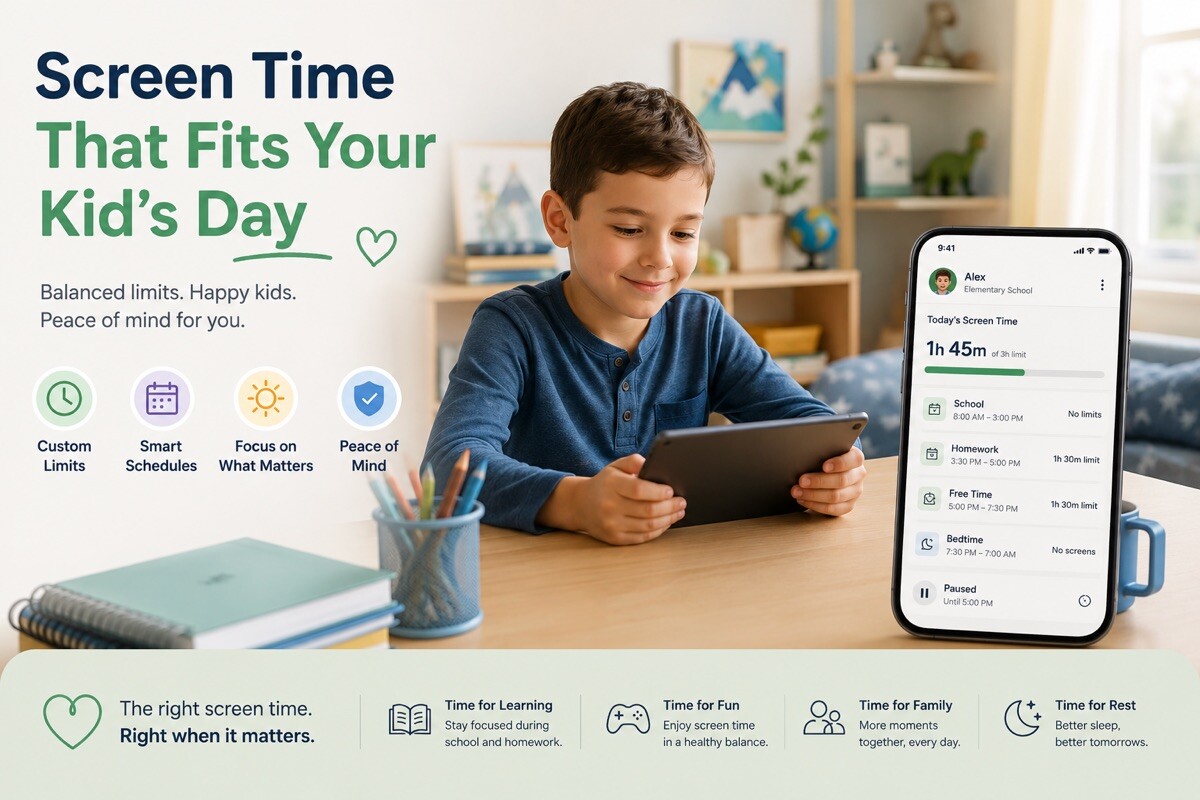
Screen Time That Fits Your Kid’s Day

Sunday night, the weekly screen time summary lands on your phone: Liam averaged a little over five hours a day. You read it twice. Then you set a daily limit, feel a bit better, and put the phone down. By Wednesday the number is right back where it started, and the part that actually bugs you hasn’t moved. Homework still slides to bedtime. Dinner still happens around a screen.
That’s the real gap: between seeing the number and changing the day. A weekly average tells you something went sideways; it doesn’t tell Liam to close the game at eight. Kids360 works on that second half. Instead of one figure at the end of the week, you set how the hours get spent — a two-hour entertainment budget on school days, two and a half on weekends, with messaging, maps, and his school apps staying open the whole time. It lands as a budget Liam can watch tick down, so “five more minutes” stops being a nightly negotiation.
The 3-to-5 stretch after school
The hardest part of most weekdays isn’t bedtime. It’s the gap between getting home and dinner, when homework is supposed to happen and Roblox usually wins. You can set a study window on school afternoons so games and social go quiet while the apps he needs for assignments stay reachable. And when you want to know where the afternoon actually went, the stats break it down by category — video, games, chats — so you’re working from what happened, not a hunch.
Evenings, and the handoff to sleep
The evening is where a routine earns its keep. You set a sleep schedule — say 9:30 p.m. to 6:30 a.m. — where the phone winds down and only the alarm clock stays on. You can do the same for the half hour around dinner. The point isn’t to fence the phone off; it’s that the schedule does the repeating, so you’re not the one saying “put it away” four nights a week.
Earning minutes back
Here’s the part kids tend to like: extra time isn’t only handed out, it’s earned. Liam finishes a chore or a quick logic exercise and adds minutes to his budget. Earned it, spent it. That turns the limit into something he has a hand in, rather than a rule that just happens to him.
The quieter things
A few things run in the background. You can see where Liam is on the map when he’s out, which helps on the days practice runs long. The app can’t be quietly deleted off his phone, so the setup holds instead of vanishing in week one. And you can add a second parent and more than one kid, so both of you are reading the same picture. Because Kids360 sits on top of the phone rather than depending on one brand of device, it works whether your family is on iPhones, Android, or a mix.
None of this asks you to police a screen all evening. You set the shape of the day once, adjust it as Liam gets older, and let the routine carry the repeating.
The core pieces — the daily limit, the basic stats, location, setting tasks — are free to use, and setup takes a few minutes. Kids360 is on the App Store and Google Play: it goes on your phone, his part goes on his, and the two talk to each other.
If the weekly number has stopped meaning much, it’s worth setting up the day instead. You can try Kids360 free and have the first limits running tonight.