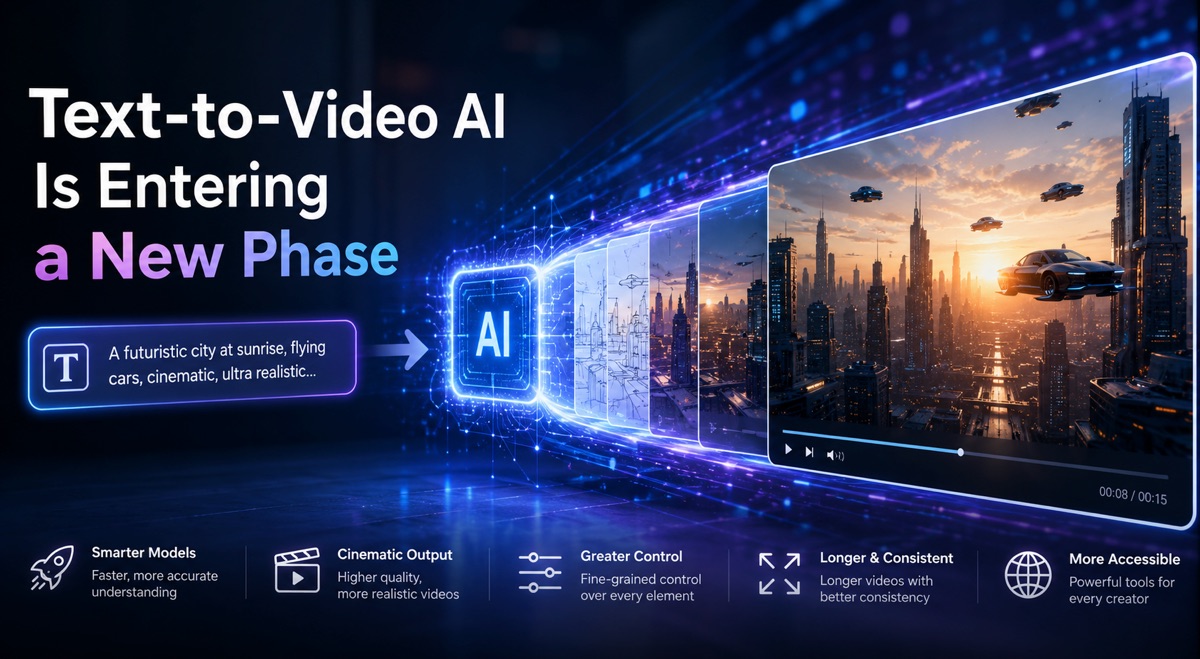
Text-to-Video AI Is Entering a New Phase—Here’s What the Workflow Actually Looks Like

The gap between having a video idea and holding a finished video in your hands has never been smaller. Over the past eighteen months, the number of AI video models has multiplied, and the pace of releases has made it nearly impossible for creators to keep up. Every week brings a new announcement, a new benchmark, a new claim about physics or coherence. But for anyone actually trying to produce usable video content, the real question is not which model is theoretically best—it’s how the entire process feels from start to finish, and whether the tool removes friction or adds to it. That is why I spent time testing the text to video ai workflow at Viddo AI, not as a feature checklist but as a daily creative tool. What I found was a platform that does something surprisingly practical: it consolidates multiple leading models into one interface, then wraps them in a generation flow that prioritizes speed and simplicity without forcing you to surrender creative control.
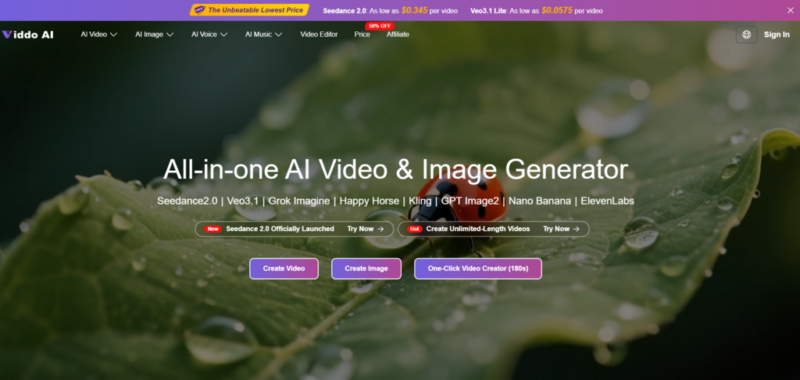
The Integration Advantage That Changes the Decision Matrix
Most creators I know have at least three AI video tabs open at any given time. One for Sora, one for Runway, maybe another for Kling or Veo. The mental overhead of switching between platforms, remembering different prompt structures, and managing separate credit systems is substantial. Viddo AI addresses this by integrating models including Sora 2, Google Veo 3.1, Kling 3.0, Runway Gen-4, and several others into a single dashboard. From a practical user perspective, this means you can test the same prompt across different engines without re-entering text or reconfiguring settings. The platform positions itself as an all-in-one AI video platform that continuously incorporates the latest AI video technologies, allowing users to seamlessly access and experiment with all models without switching between multiple platforms. That consolidation alone changes the cost-benefit analysis for anyone who regularly produces video content.
How the Text-to-Video Generation Flow Actually Works
The official workflow is refreshingly short. Viddo AI outlines four steps, and in practice, the process moves quickly enough that the steps blur together into a single fluid action.
Step 1: Account Access
The Gateway to the Creation Panel
The first step is straightforward: sign up or log in to unlock the full text-to-video interface. There is no complicated onboarding process. Once you are in, the tool is visible from the dashboard, which keeps everything within reach.
Step 2: Entering the Creation Panel
Finding the Tool and Choosing Your Starting Point
From the dashboard, you access the text-to-video creation panel. The platform gives you the option to start from scratch or use AI assistance. This flexibility matters because not every project begins the same way—sometimes you have a fully formed script, and sometimes you have only a vague sense of what you want.
Step 3: Script Input

From a Single Sentence to a Full Narrative
This is where the actual creation begins. You type or paste your script into the text box. The input can be as simple as a single prompt, a scene description, or a full script. The platform’s engine interprets your text and converts it into visuals, whether you provide a sentence or a detailed story. In my testing, shorter prompts produced faster results but gave the AI more interpretive freedom. Longer, more descriptive scripts yielded videos that aligned more closely with the intended scene composition and character placement. The system appears to process not just the words but the mood, tone, and intent behind them—whether you want suspense, humor, emotion, or clarity, the AI chooses visuals that align with your purpose.
Step 4: Generation and Delivery
The Few-Minute Wait for a Finished Video
Clicking the generate button starts the process. The AI processes your script and creates a video with matching visuals, motion, and music. According to the platform, most videos are generated in just a few minutes, depending on length and complexity. In my experience, simpler prompts resolved faster, while complex scene descriptions with specific lighting or camera direction took longer. Once complete, the video is ready to preview and download. The platform also includes sample videos and generation options such as Seedance 2.0 for fast generation with no queue.
What the Platform Actually Delivers in Practice
The features that Viddo AI highlights are not abstract promises—they map directly to the experience of using the tool.
Cinematic quality without editing skills. The platform’s advanced AI ensures every frame is professionally rendered, with smooth transitions, realistic lighting, and dynamic motion. This is not hyperbole. The output I reviewed had consistent lighting across shots and motion that felt intentional rather than algorithmic. You get transitions that do not jar, motion that does not stutter, and a visual coherence that would have required significant manual adjustment in a traditional editor.
Built-in audio that matches the message. The AI generates background music, ambient sounds, or even voiceovers in sync with your script. This is a significant time-saver. Instead of exporting video and importing to an audio tool, the sound design is integrated into the generation process. The audio matched the pacing of the visuals in my tests—quieter scenes had ambient textures, more dynamic sequences had rhythmic backing.
Contextual scene generation with a human-centric focus. The system understands not just your words but the mood, tone, and intent behind them. This is where the platform distinguishes itself from earlier text-to-video tools that produced visually accurate but thematically disconnected results. When I tested a prompt with emotional weight, the visual palette shifted toward warmer tones and softer motion. When I tested a product-focused prompt, the visuals became sharper and more direct. The AI appears to make stylistic choices that reinforce the underlying message rather than contradicting it.
Who Benefits Most from This Workflow
The platform outlines several user groups, and my testing suggests that the benefits vary meaningfully across them.
| User Type | Primary Benefit | Key Consideration |
| Content Creators & Influencers | Generate shorts, vlogs, and promos for social platforms without expensive gear or editing skills | Speed matters most; the tool delivers fast turnaround for trend-driven content |
| Designers & Creatives | Prototype ideas and explore visual narratives without shooting a single frame | Ideal for early-stage visualization and client communication |
| Marketers & Advertisers | Turn product descriptions into ad videos and promo visuals in minutes | Multiple versions can be generated for A/B testing across channels |
| Educators & Coaches | Convert lesson plans and blog posts into engaging visual content for e-learning | No video experience needed; animated visuals can boost student retention |
| Startups & Founders | Pitch ideas visually by converting product pitches into animated video stories | Reduces early-stage visual costs and outperforms static PPTs in clarity |
The Competitive Landscape in Context
When compared to using individual AI video models separately, the integrated approach at Viddo AI offers a distinct workflow advantage. The ability to access multiple models from a single interface reduces context-switching and allows for side-by-side comparison of results. The platform’s all-in-one nature means you are not locked into a single model’s strengths and weaknesses—you can match the model to the project. However, the integration also means you are relying on the platform’s interpretation and routing of your prompt, which may differ from how each model would respond if accessed directly.
A Practical Framework for Getting the Best Results
Based on my experience, a few approaches improve outcomes. First, treat the prompt as a creative brief. The more specific you are about visual style, tone, pacing, and scene details, the more closely the output will align with your vision. Second, be prepared to iterate. The generation process is fast enough that running multiple versions of a prompt is practical, and reviewing the results helps refine subsequent attempts. Third, use the platform’s model variety to your advantage. If one model produces results that feel off, try another. The integration makes this effortless.
The Verdict for Different Creative Workflows
For creators who produce high volumes of short-form social content, the speed and simplicity of the workflow are compelling. For designers and creative directors, the ability to prototype visual narratives without production overhead changes the pace of iteration. For marketers, the platform offers a way to test visual concepts without committing to full production budgets. For educators, it provides a low-barrier entry into video-based learning materials. The platform is not a replacement for professional video production in situations that require precise control, nuanced performance, or brand-specific visual language. But for the vast majority of use cases where the goal is to communicate an idea visually, the text to video ai workflow at Viddo AI represents a practical, functional step forward in making video creation accessible to anyone with an idea and a few minutes to spare.