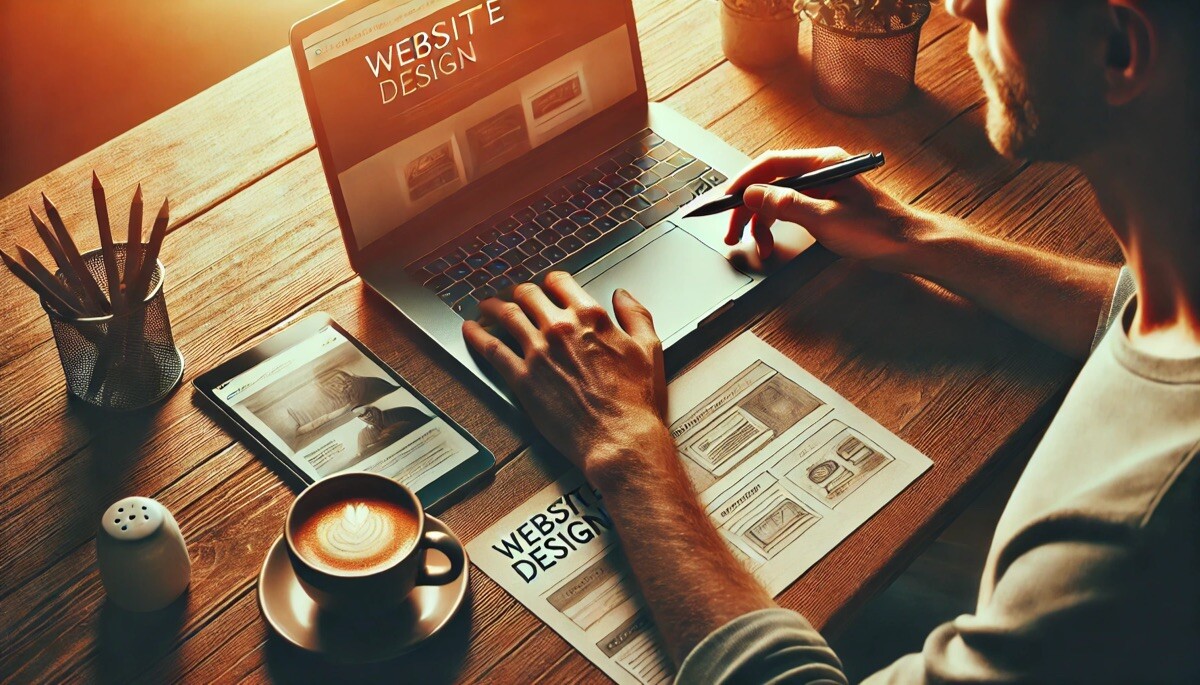
Using Prototyping Tools in UX/UI Design Projects

Prototyping is an essential part of the UX/UI design process, offering designers and stakeholders a tangible representation of a product or interface before its actual development. As technology continues to evolve, so do the tools that assist in creating these prototypes. Today, prototyping tools are integral in providing designers with the ability to communicate ideas clearly, test concepts, and enhance user experience. This article explores the role of prototyping tools in UX/UI design projects, highlighting their benefits, usage, and best practices.
What is Prototyping in UX/UI Design?
In UX/UI design, prototyping is the process of creating an early version of a product to simulate user interaction and visualize design ideas. Prototypes are typically used to test and validate design concepts, gather user feedback, and explore interactions before actual development begins. Unlike wireframes or static mockups, prototypes are interactive and allow stakeholders to engage with the design in a meaningful way.
Prototyping helps designers identify issues early in the design process, allowing for improvements to be made before significant resources are spent on development. It also ensures that the final product meets user expectations and provides a seamless user experience.
Why Use Prototyping Tools in UX/UI Design?
Prototyping tools provide designers with a wide range of benefits that enhance the efficiency, effectiveness, and overall quality of the design process. Some key reasons for using prototyping tools in UX/UI design include:
Faster Iterations
Prototyping tools enable designers to quickly create and modify interactive prototypes, allowing for faster iterations. With the ability to make adjustments on the fly, designers can test different design ideas, experiment with various UI elements, and refine their concepts without significant delays. This speed and flexibility are crucial in a fast-paced design environment.
Improved Communication
Prototypes serve as a visual tool for designers to communicate their ideas to stakeholders, developers, and clients. Instead of relying on static images or complex design jargon, a prototype provides a tangible representation of the final product. This helps ensure that all parties are on the same page, reducing misunderstandings and miscommunications.
User Testing and Feedback
Prototypes allow for user testing early in the design process. By interacting with a prototype, users can provide valuable feedback about the design’s usability, functionality, and overall experience. This feedback helps designers make informed decisions and refine their designs based on real user needs.
Cost-Effective Design Process
Building a prototype is often more cost-effective than developing the actual product, especially when it comes to testing different design solutions. Prototypes can help identify design flaws or usability issues that would have otherwise been costly to fix in the development stage. By resolving these issues upfront, designers can save both time and money.
Key Prototyping Tools in UX/UI Design
With the growing demand for interactive prototypes, various tools have emerged to support UX/UI designers in their work. Some of the most popular and effective prototyping tools in the industry include:
1. Figma
Figma is a cloud-based design tool that has gained widespread popularity due to its collaborative features and ease of use. It allows designers to create wireframes, prototypes, and high-fidelity designs all within one platform. Figma’s real-time collaboration feature allows multiple designers to work on a single file simultaneously, making it an ideal tool for team-based projects.
Figma’s prototyping capabilities include interactive elements such as buttons, transitions, and microinteractions, which help designers create realistic and functional prototypes. Users can also integrate Figma with other tools, such as Sketch and Adobe XD, for enhanced workflow.
2. Adobe XD
Adobe XD is another popular tool for creating interactive prototypes. It offers a simple and intuitive interface, making it accessible to both beginner and experienced designers. Adobe XD supports the creation of wireframes, interactive prototypes, and high-fidelity designs with various animation and transition options.
One of the standout features of Adobe XD is its integration with other Adobe Creative Cloud tools, such as Photoshop and Illustrator. This makes it easier for designers to incorporate assets from these applications into their prototypes, streamlining the design process.
3. InVision
InVision is a widely used prototyping tool that allows designers to create interactive prototypes with a focus on collaboration and feedback. It provides powerful features like real-time commenting, version control, and user testing, which help streamline the design process.
InVision also supports integrations with other design tools, such as Sketch and Figma, allowing designers to import their designs seamlessly. The platform’s user-friendly interface makes it easy to create clickable prototypes that simulate real user interactions.
4. Axure RP
Axure RP is a more advanced prototyping tool that is often favored by designers working on complex projects. It allows users to create highly interactive and dynamic prototypes with conditional logic, variables, and data-driven interactions. This makes Axure RP suitable for designing complex user interfaces, such as dashboards or applications with intricate workflows.
Axure RP also offers features for user testing, collaboration, and sharing, allowing designers to gather feedback from stakeholders and users efficiently.
5. Marvel App
Marvel App is another excellent prototyping tool that allows designers to create interactive prototypes without needing to write any code. Marvel’s intuitive interface makes it easy for designers to drag and drop elements, create interactions, and preview the design in real time. Marvel also offers features like user testing, collaboration, and design handoff, making it a versatile tool for UX/UI projects.
Best Practices for Using Prototyping Tools in UX/UI Design
To get the most out of prototyping tools, designers should follow a few best practices to ensure that their prototypes are effective and useful in the design process. Some key best practices include:
Start with Low-Fidelity Prototypes
When creating a prototype, it’s often best to start with low-fidelity designs, such as wireframes or simple sketches. This allows designers to focus on the overall structure and user flow without getting distracted by visual details. Once the core functionality and user experience have been validated, designers can move on to high-fidelity prototypes.
Focus on User Interaction
Prototypes should focus on simulating user interaction and functionality. It’s important to prioritize interactions that are critical to the user experience, such as navigation, buttons, and forms. Designers should also ensure that the prototype feels responsive, with smooth transitions and realistic interactions that mimic the final product.
Test and Iterate
Prototyping is an iterative process. Once a prototype is created, designers should conduct user testing to gather feedback and identify potential usability issues. Based on the feedback, designers can make adjustments to the prototype, testing new ideas and refining the design until it meets the desired user experience.
Collaborate with Stakeholders
Prototyping tools are designed to enhance collaboration among team members, clients, and stakeholders. It’s essential to share prototypes with others early and often, gathering feedback and making revisions as needed. Collaboration ensures that everyone involved in the project is aligned with the design vision and can contribute valuable insights.
Keep It Simple
While it’s tempting to create highly polished prototypes with complex interactions, it’s often better to keep things simple, especially in the early stages of the design process. The goal of a prototype is to test ideas and gather feedback, not to create a fully functional product. Keep the prototype focused on the key features and functionality that are critical to the user experience.
Conclusion
Prototyping tools are indispensable in UX/UI design projects, providing designers with the means to visualize, test, and refine their ideas before moving to the development stage. By using the right prototyping tools, designers can save time and resources, improve communication with stakeholders, and create better user experiences. Whether you’re a beginner or an experienced designer, integrating prototyping tools into your workflow is essential for creating successful and user-friendly designs.
By understanding the value of prototyping and following best practices, designers can leverage these tools to deliver high-quality UX/UI designs that meet user needs and expectations.