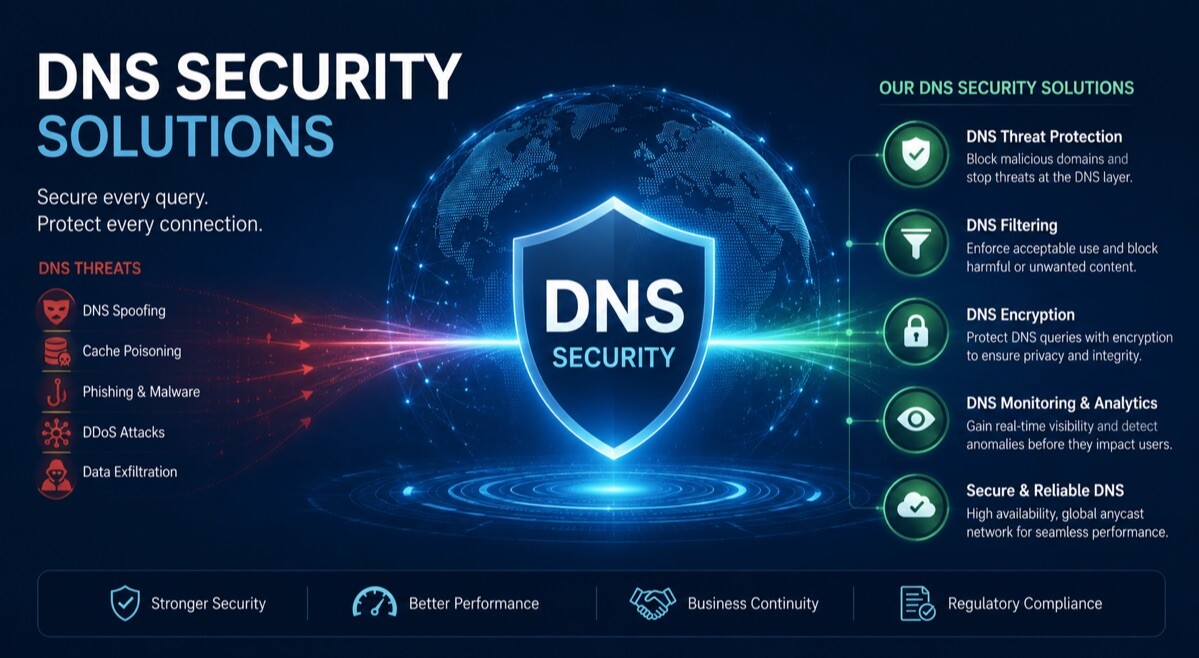
Top-Rated DNS Security Solutions in 2026

Hackers use many tricks to break into networks: fake websites, malicious downloads, and hidden malware. One thing most of these attacks have in common is that they all go through the Domain Name System (DNS).
DNS is what turns website names into the actual addresses your computer connects to. If you can block malicious domains at this level, you stop threats before they even reach your devices.
This guide covers the five best DNS security tools in 2026, so you can find the right one for your needs.
Quick Comparison
| Solution | Best For | Starting Price | Key Strength |
| ControlD | Enterprises, SMBs, schools & MSPs | From $2/device/month for SMBs | Granular policy control & flexibility |
| Infoblox | Enterprises with on-prem infrastructure | Custom pricing | Enterprise DNS security & DDI management |
| Quad9 | Individuals & nonprofits | Free | Free threat blocking & privacy |
| DNSFilter | Mid-sized businesses & MSPs | Custom pricing | AI-powered threat detection |
| NextDNS | Individuals & small teams | From $1.99/month | Privacy & customization |
1. Control D
Best for: Businesses, schools, MSPs, and organizations that want flexible DNS filtering and policy management.
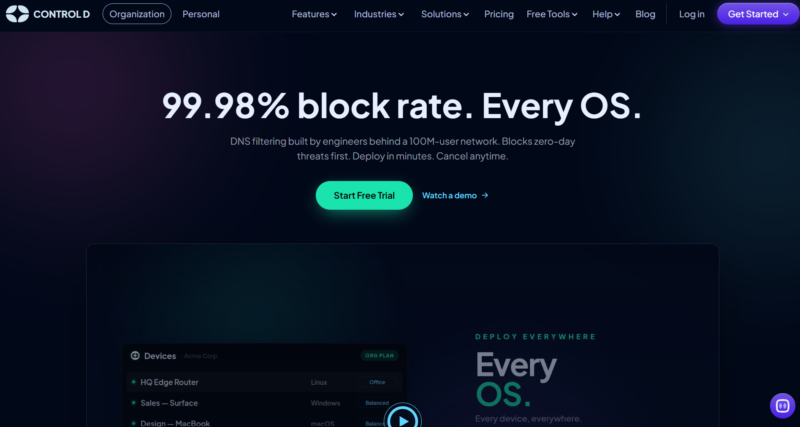
Control D is a DNS security solution that helps organizations block malicious domains, control internet access, and manage DNS policies across users, devices, and networks. It offers extensive customization options, allowing administrators to create filtering rules based on content categories, specific services, locations, and user groups.
The platform is designed for both small teams and larger organizations that need centralized DNS management and visibility into network activity.
Main Features:
- AI-powered domain categorization to block suspicious sites in real time before they’re on blocklists
- Blocks 20+ types of harmful or unwanted content categories, including malware, phishing, adult sites, gambling, and social media
- Lets you control 1,000+ specific apps and websites individually – block some, allow others
- Geo rules – block traffic coming from or going to risky or unwanted countries and ASNs
- Redirect your internet traffic through servers in 60+ countries to hide your location or access region-locked content
- One dashboard to manage all your clients, offices, or devices – great for IT teams and MSPs
- Works with company tools like Active Directory, Okta, and SIEM systems
- Barry is a built-in AI assistant that helps you set things up and fix problems at any time of day
- (Optional) Detailed logs, analytics, and reports so you always know what’s happening on your network
- Works on Windows, Mac, Linux, iOS, Android, and most routers
- Costs SMBs $2 per device per month – and every feature is included, no hidden upgrades
Why It Stands Out:
Control D gives you the best protection and the most control at a price that’s hard to beat. Whether you’re running a small business or managing hundreds of clients, it scales to fit.
2. Infoblox
Best for: Large enterprises that need DNS security and centralized network infrastructure management.

Infoblox is a long-established provider of DNS, DHCP, and IP address management (DDI) solutions. Its DNS security platform uses threat intelligence and analytics to help organizations detect and block malicious domains, reduce DNS-based attacks, and gain visibility into network activity.
Main Features:
- DNS-based threat detection and blocking
- Centralized DNS, DHCP, and IP address management
- Threat intelligence integrations for identifying malicious domains
- Network visibility and analytics tools
- Automated policy enforcement across distributed environments
- Integrations with security and network management platforms
- Support for hybrid and multi-cloud environments
Why It Stands Out:
Infoblox combines DNS security with enterprise-grade network management capabilities. It’s particularly well-suited to large organizations that need both on-prem security and centralized control over critical network services.
3. Quad9
Best for: Individuals, schools, nonprofits, and organizations looking for free DNS security.
Quad9 is a security-focused DNS service that blocks access to known malicious domains using threat intelligence from multiple cybersecurity partners. It is easy to deploy, privacy-focused, and available at no cost, making it a popular option for users who want better protection without managing a complex security platform.
Main Features:
- Blocks known malicious and phishing domains
- Uses threat intelligence from multiple security partners
- Privacy-focused with no sale of user data
- Simple setup with no software installation required
- Global DNS infrastructure for reliable performance
- Available free of charge
- Supports DNS-over-HTTPS (DoH) and DNS-over-TLS (DoT)
Why It Stands Out:
Quad9 offers a simple and effective way to improve security at the DNS layer without additional costs. Its focus on privacy and ease of deployment makes it an excellent choice for users seeking straightforward DNS protection, but one thing to note is that it does not provide analytics and data on your web traffic.
4. DNSFilter
Best for: Mid-sized businesses and MSPs that want automatic protection from new threats.
DNSFilter uses AI to look at new websites and decide if they’re dangerous – even before they show up on any blocklist. That means it can sometimes catch threats that other tools might miss.
Main Features:
- AI scans new websites in real time and blocks dangerous ones right away
- Automatically blocks malware, phishing, fake websites, and more
- Covers 80+ apps you can turn on or off
- Keeps remote and off-office devices protected too
- Easy to manage multiple clients from one place
- Generates traffic reports you can download or send to other security tools
Why It Stands Out:
DNSFilter’s AI is great at catching brand-new threats that slip past traditional blocklists. It’s a good fit for teams that want strong automatic protection without a lot of manual setup. Just be aware that some advanced features – like detailed analytics and SIEM connections – cost extra on top of the base price.
5. NextDNS
Best for: Individuals, small teams, and anyone who cares a lot about privacy.
NextDNS is easy to use but has a lot of features under the hood. It’s one of the most privacy-friendly DNS tools available, and it’s very affordable.
Main Features:
- You choose whether your DNS activity is logged – and for how long
- Choose where your data is stored to meet privacy laws like GDPR
- Pick from dozens of community-made blocklists to filter what you want
- Set different rules for different devices (e.g., stricter settings for kids’ devices)
- Block entire groups of domains, like all .xyz websites
- Works on all major devices and routers, with a free plan included
- Pro plan costs just $1.99/month
Why It Stands Out:
NextDNS gives individuals and small teams a lot of power for very little money. It’s the most transparent tool on this list when it comes to privacy – you’re always in control of your data. That said, it’s not built for large businesses, and there’s no dedicated support team if something goes wrong.
Why DNS Security Matters More Than Ever
Every time someone on your network visits a website, sends an email, or opens an app, a DNS request is made. Attackers know this, and they use it to sneak malware in, steal data, and take over devices. A good DNS security tool watches these requests and blocks the dangerous ones automatically. It’s one of the easiest and most effective ways to protect a network, and in 2026, it’s something no business should go without.
Which One Should You Choose?
The right pick depends on what you’re protecting and how much control you need.
Smaller teams and MSPs are usually best served by something flexible and easy to manage from a single dashboard. Large enterprises with complex networks usually want a solution that handles DNS security alongside centralized network management. And individuals or small teams focused on privacy find the most value in affordable tools that put data control in their hands.
Finally, it does not matter which tool you go with; the important thing is to use one. Leaving your DNS unprotected in 2026 is like leaving your front door wide open – it’s only a matter of time before someone walks through.