Top AI Tools to Enhance Low-Resolution Images

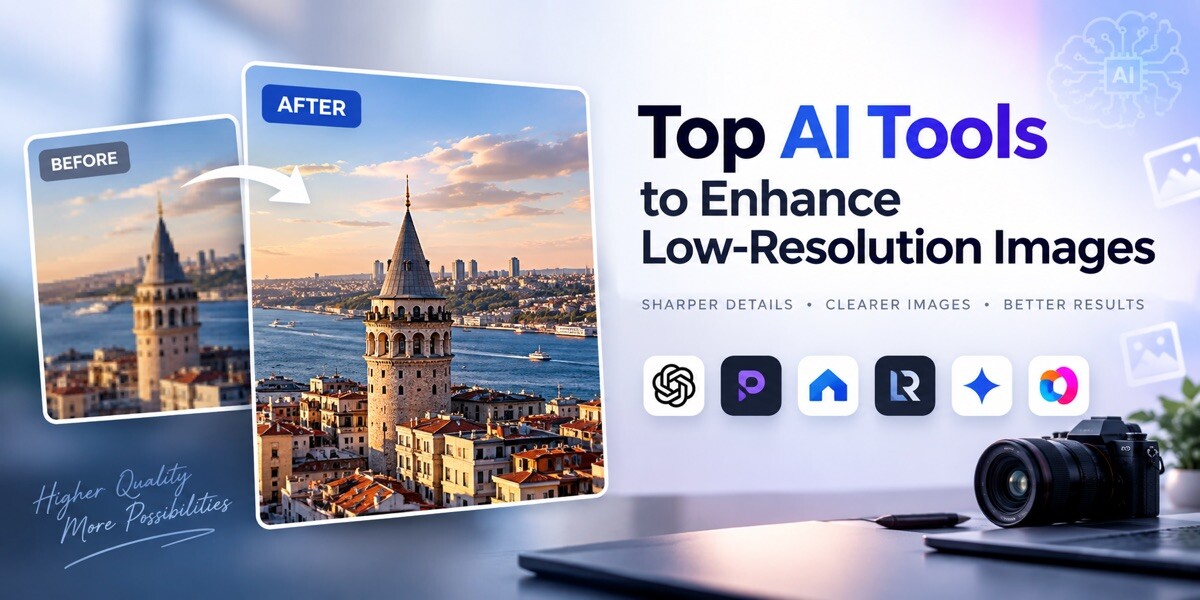
If you have a low-resolution image, you no longer have to settle for blurry details or retake the photo in a higher resolution. Modern AI image enhancers can improve image quality in seconds by sharpening details, enhancing clarity, and preserving natural textures without making the image look overly processed.
To help you find the best option, we reviewed and compared some of the top AI image enhancers, saving you time spent testing countless tools and giving you a starting list of options to consider.
Top 4 AI Image Enhancers: 2026 Overview
| Tools | How it works | Best for | Supported file formats | Pricing |
| Krea.ai | Upscales up to 22K resolution, improving resolution, clarity, and quality while preserving natural details | Photographers, content creators, and users wanting fast solutions to improve image quality | .png, .jpeg, .webp, .heic, and .heif | Starts at $9/month for 5000 monthly units |
| Leonardo AI | Predicts and rebuilds missing details, textures, and edges, built specifically for AI-generated image textures, up to 105MP | Designers, Photographers, and Marketers | N/A | Starts at $12/month |
| Magnific AI | Upscales up to 16x clarity while preserving original structure, composition, and lighting. Enhances sharpness, grain, and detail | Professional designers and casual hobbyists | JPG, JPEG, WEBP, PNG | Starts at €15/month, billed monthly |
| Pixelcut | Upscales up to 4K/8K/16K via Fast Upscale or Creative Upscale, sharpens and denoises to remove blur | Small businesses, sellers, and marketing professionals | JPG, PNG, HEIC | Starts at $10/per month |
-
Krea.ai
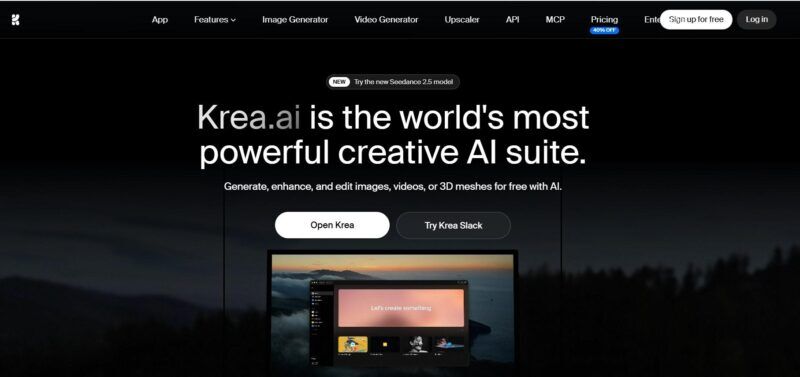
As a comprehensive AI creative suite, Krea.ai helps everyone from individual users, to designers and creator teams generate, edit, and enhance images, videos, and 3D meshes. For this purpose, it uses a set of advanced generation models like Seedance 2.5, Nano Banana 2, Veo 3 for video generation, and its own in-house Krea 2 model.
What Does Krea Offer?
- AI Image Generation with a simple text description and composition control with over 1000 styles and 20 models
- AI Video Generation for social media or marketing campaigns, using advanced video models or animating static images
- Real-time Rendering via a live studio for making real-time edits and creating photorealistic images
- LoRA Fine-tuning for keeping image and style consistency across at-scale generation
- AI 3D Generation to generate 3D objects from text and images
Image Enhancement with Krea
Krea’s Image Enhancer lets you enhance images up to 22K resolution. The AI technology behind the tool enhances images while keeping the natural details.
It works in 3 simple steps: you upload a blurry or low-resolution photo, click enhance, and the AI automatically improves the resolution, clarity, and quality of the photo in seconds. It supports common formats like .png, .jpeg, .webp, .heic, and .heif, and there is also an option to remove the background before enhancing the image, if needed.
Pricing Plans: Krea.ai’s paid plans start at $9/month for 5000 monthly units.
Best for: Photographers, content creators, and users wanting fast solutions to improve image quality.
-
Leonardo AI

Leonardo AI is a creator-first generative platform for creating images and videos. For image generation, it offers proprietary models like Lucid Origin and Lucid Realism alongside popular third-party models like Nano Banana, GPT Image, and Seedream.
What Does Leonardo AI Offer?
- AI Image Generator
- AI Video Generator
- Background Remover
- Video Editor
- Image Editor
- Train Your Own Model
Image Enhancement with Leonardo AI
Leonardo’s Pro Upscaler is built specifically for AI-generated images, as it recognizes textures and claims to deliver ultra-detailed results. Rather than stretching existing pixels like traditional resizing, the AI predicts and rebuilds missing details, textures, and edges, giving a sharper output.
To enhance images with Leonardo AI, you need to select your image, choose the mode (Precise or Creative), and set a multiplier to scale up to a true 105-megapixel resolution. As you get your image upscaled, download it or export it directly to Canva for further edits.
Pricing Plans: The pricing for solo users starts at $12/month, while for teams, it starts at $72/ month (per 3 seats).
Best for: Designers, Photographers, and Marketers.
-
Magnific AI
Magnific (formerly Freepik) is an AI creative platform for images, video, audio, and 3D assets. It gives access to many leading third-party models in one place, including GPT Image 2, Nano Banana 2, Grok Imagine, Krea 2, Veo 3, Seedream, Seedance 2, and a lot more.
What Does Magnific AI Offer?
- AI Image Generator
- Image Editor
- Image Upscaler
- Video Generator
- Video Project Editor
- AI Voice Generator
- 3D Generator
Image Enhancement with Magnific AI
Magnific AI lets you upscale your images up to 16x clarity while also preserving the original structure, composition, and lighting. The AI technology behind it enhances sharpness, grain, and detail to bring out the best in the image. Accepted formats are JPG, JPEG, WEBP, and PNG, and you can upscale up to 20 images at once (2 for free users).
It works in 3 common steps: uploading one or more images, selecting an upscaling model, and downloading the final results.
Pricing Plans: The paid plans start at €15/month, billed monthly.
Best for: Professional designers and casual hobbyists.
-
Pixelcut
Pixelcut is an AI photo and video editor, that helps small businesses, sellers, and ecommerce brands create professional product photos, ads, and marketing content without needing to invest in a studio setting, photographer, or design team.
What Does Pixelcut Offer?
- AI Image Generator
- AI Video Generator
- Background Remover
- Video Background Remover
- AI Product Photography
Image Enhancement with Pixelcut
The tool increases image resolution up to 4K, 8K, or 16K, without pixelation or blurring, and works by sharpening and denoising, removing noise, blur, and compression artifacts. There are two main modes: Fast Upscale for automatic, standard enhancement, and Creative Upscale for letting AI add new details and visual character.
The image enhancement steps include uploading your JPG, PNG, or HEIC files and letting AI automatically analyze the image to deliver a high-resolution result in seconds by using the Fast Upscale model.
Pricing Plans: Pixelcut’s paid plans start at $10/per month, including 600 AI credits monthly.
Best for: Small businesses, sellers, and marketing professionals.
Conclusion
Each of these tools solves the same basic problem, turning blurry or low-resolution images into sharper, higher-quality visuals, but they take slightly different approaches.
For example, Krea and Magnific focus on enhancing resolution while preserving natural-looking details; Leonardo is particularly useful for cleaning up AI-generated images, and Pixelcut offers a simple, fast solution for everyday and eCommerce use.
Therefore, the best choice depends on what you’re working with, whether that’s photos, AI-generated art, or product images, and how much control you want over the final result.